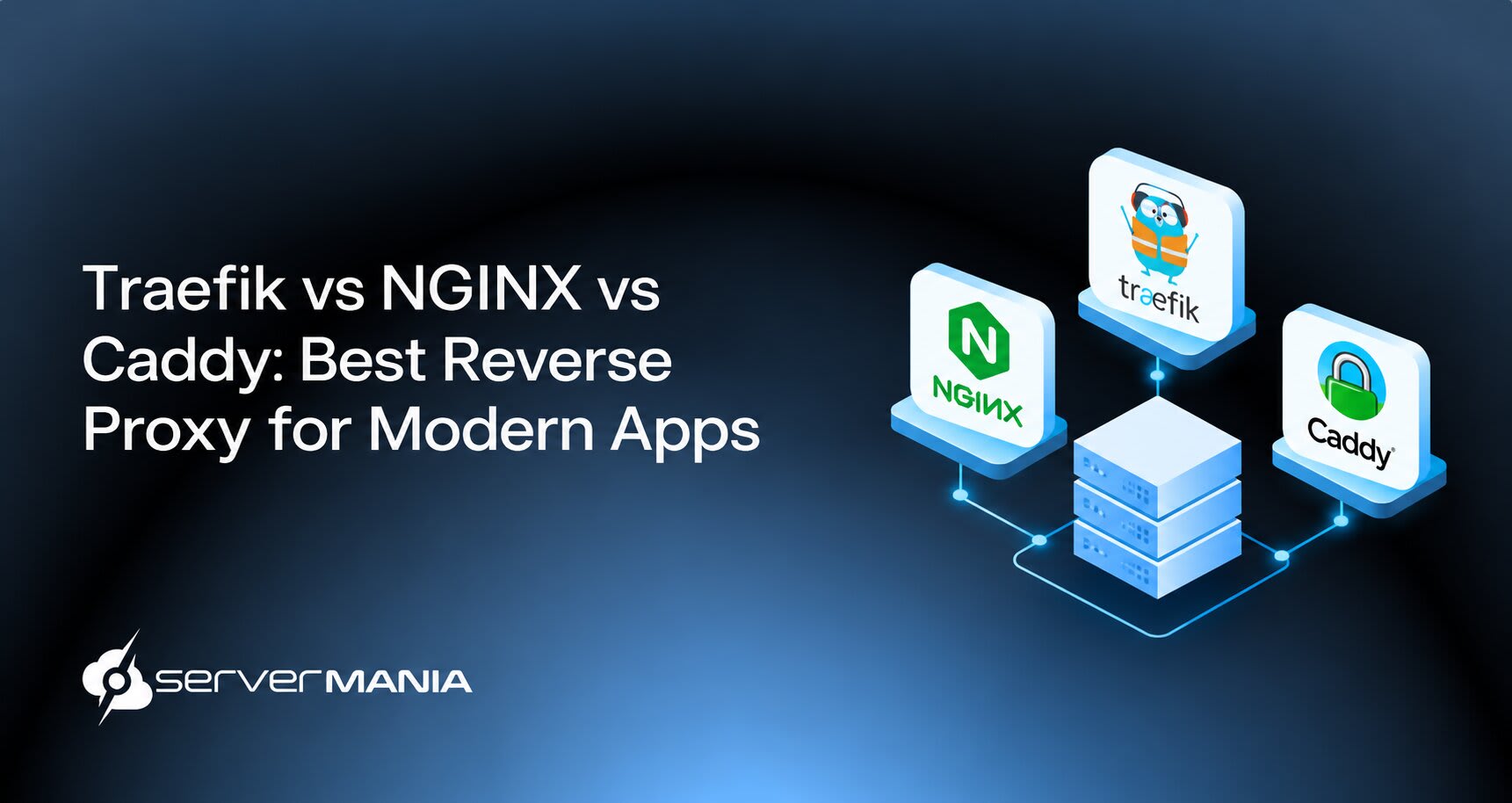
Comparing Traefik vs Nginx vs Caddy comes down to how much control, automation, and configuration your application stack requires. Understanding how each of them works is critical for DevOps teams and infrastructure engineers choosing a reverse proxy for modern applications.
Here at ServerMania, we understand the necessity for reliable infrastructure behind your client, proxy, and application. We provide Dedicated Servers and AraCloud cloud solutions for projects and workloads that demand consistent performance, flexibility, and control.
That’s why this guide walks you through a complete comparison between Traefik, NGINX, and Caddy to help you choose the right reverse proxy for your application and infrastructure.
What Is a Reverse Proxy?
A reverse proxy is a server standing between a client, such as a browser, and one or more backend servers. When a request reaches your domain, the reverse proxy receives it first, then forwards it to the appropriate application or server. It serves as a control point for handling your traffic before it reaches your applications. It supports TLS termination, authentication, routing, filtering, and load balancing.
A reverse proxy is especially useful for modern applications running with Docker Compose, Kubernetes, or multiple backend services. Tools such as Traefik, NGINX, and Caddy provide different approaches to configuring and managing this traffic through a reverse proxy.
What Should You Look for in a Reverse Proxy?
When choosing between Traefik vs NGINX vs Caddy, there are certain aspects you should judge by to determine which reverse proxy makes the most sense in your case. Look at routing, HTTPS, container support, performance, security, and how much manual work your reverse proxy would actually require.
- Dynamic Config: Choose a proxy that fits your workflow for managing config files, services, and routing rules.
- Automatic HTTPS: Automatic HTTPS simplifies certificate management and reduces manual TLS configuration.
- Docker Support: Look for native Docker Compose, Docker labels, and container integration if your applications run in Docker.
- Kubernetes Support: Check how the proxy handles dynamic services, routing, and Kubernetes integrations.
- Load Balancing: A built-in load balancer helps distribute requests across multiple backend services.
- TLS Termination: TLS termination lets the proxy handle encrypted connections before forwarding traffic to your applications.
- Routing Rules: Check support for domain, subdomains, URL path, headers, and application-specific routing.
- Ease of Setup: A simple setup process reduces the time required to configure a new proxy or application.
- App Compatibility: Verify support for HTTP, TCP, WebSocket connections, custom headers, and the applications you plan to connect.
When it comes to choosing the correct reverse proxy, it all boils down to your application architecture and how much control you need.
Some Docker-heavy environments often prioritize automatic service discovery and dynamic routing, while traditional deployments might favor precise configuration and performance. For simpler websites and applications, automatic HTTPS and an easy setup might matter more than advanced routing features.
Traefik vs NGINX vs Caddy: Comparison
Traefik, NGINX, and Caddy all handle traffic between clients and backend services, but they take very different approaches to configuration, routing, TLS, and containerized workloads.
Traefik
Traefik was released in 2016 and supports dynamic service discovery for microservices. It is designed for containerized environments where services frequently change, with built-in support for Docker and Kubernetes. Its dynamic routing approach reduces the need for manually maintained configuration files.
How Does Traefik Work?
Traefik works as a reverse proxy and load balancer for modern applications, with a focus on dynamic environments. Traefik automatically discovers services in containerized environments, so you don’t need to define every single backend service in your app manually.
This makes Traefik optimal for Docker and Kubernetes deployments where services frequently change. The best part is that Traefik automatically updates routes when containers start or stop.
Unlike the traditional reverse proxies that often depend on manually maintained config files, Traefik configuration is dynamic and usually driven by container orchestration metadata. Traefik’s dynamic config eliminates the need for config file rewrites. Therefore, Traefik receives configuration changes directly from Docker or Kubernetes.
Traefik integrates seamlessly with Kubernetes for dynamic routing, while Traefik’s IngressRoute is more expressive than standard Ingress. This gives you more control over the routing rules when a Kubernetes deployment needs functionality beyond basic Ingress configuration.

TLS management is another part of the setup.
Traefik automatically updates routes with Docker labels and Ingress annotations, which allows HTTPS configuration to follow the services and routing rules defined in your infrastructure.
NGINX
NGINX was released in 2004 and is designed for raw performance. It is widely used as a reverse proxy, web server, and load balancer, with very strong support for high-traffic applications and static content.
How Does NGINX Work?
NGINX handles static content efficiently due to its event-driven architecture, allowing it to manage all of the incoming connections and route requests to backend applications.
NGINX is known for high concurrency and low memory consumption, which helps it handle simultaneous connections without requiring excessive server resources. NGINX handles significant traffic with proper configuration, while its system provides admins with detailed control over how requests are processed.
Also, NGINX provides fine-grained control over HTTP settings and caching, allowing you to set up your headers, caching rules, routing, and other HTTP behavior according to your requirements. In addition, NGINX provides explicit directives for easier troubleshooting.
However, NGINX requires manual configuration for TLS certificate management. This means that any changes in the containerized environment often require manual updates.
In short, NGINX requires manual config reload for new containers.

See Also: How to Install NGINX on Ubuntu
Caddy
Caddy was released in 2015 and focuses on automatic HTTPS. It is designed to simplify reverse proxy configuration while providing built-in TLS management. Its Caddyfile syntax also makes basic server and proxy setup straightforward. Let’s learn more:
How Does Caddy Work?
Caddy focuses on simple configuration and fully automated HTTPS. Caddy features a clean syntax for configuration known as the Caddyfile, which lets you define domains, reverse proxy rules, and other settings with relatively little configuration.
HTTPS is one of Caddy’s main features. Caddy automatically fetches and renews TLS certificates from Let’s Encrypt, reducing the manual work involved in management. Also, Caddy’s TLS management simplifies the configuration compared to Nginx, especially when setting up HTTPS for public websites.
However, there are some limitations in certain environments.
Caddy’s automatic TLS fails for internal services without public DNS, so any internal applications often require additional TLS configuration or an alternative certificate setup.
In short, Caddy is suitable for small to medium production applications and personal projects, especially when simple configuration and automated HTTPS are priorities.

Traefik vs. Caddy vs. NGINX Proxy Manager: Decision Framework
The best choice depends on how you deploy and manage your applications. In short:
- Traefik focuses on dynamic routing for containerized environments.
- Caddy prioritizes simple configuration and fully automatic HTTPS.
- NGINX Proxy Manager adds a graphical interface for managing NGINX.
When to Choose Traefik
Choose Traefik when your infrastructure relies heavily on Docker or Kubernetes and services change frequently. Its dynamic service discovery, Docker labels, and automated routing reduce the need to manually edit configuration files when containers are added, removed, or updated.
When to Choose Caddy
Choose Caddy when you want a simple configuration experience with automatic HTTPS. Its Caddyfile syntax provides a straightforward setup for websites and apps, while automatic certificate management reduces ongoing TLS administration.
When to Choose NGINX
Choose NGINX Proxy Manager when you want NGINX’s reverse proxy capabilities through a graphical UI. It suits users who prefer managing proxy hosts, domains, certificates, and access settings through a browser instead of editing NGINX configuration files directly.
| Traefik: | Caddy: | NGINX: | |
|---|---|---|---|
| Best Use Case | Docker & Kubernetes | Simple deployments | GUI-based NGINX management |
| Configuration | Dynamic | Caddyfile | Web UI |
| Docker Support | Excellent | Good | Good |
| Kubernetes | Excellent | Supported | Limited |
| Automatic HTTPS | Yes | Yes | Yes |
| Service discovery | Dynamic | Limited | Manual |
| Load balancing | Yes | Yes | Yes |
| TLS management | Automated | Automated | Automated |
| Ease of setup | Moderate | Easy | Easy |
| Management | CLI / config | CLI / config | Browser UI |
The three options serve different deployment needs.
Traefik stands out for dynamic Docker and Kubernetes environments, Caddy offers the simplest path to automatic HTTPS, and NGINX provides a browser-based experience for managing NGINX.
💡Your choice should depend on how your services are deployed.
ServerMania | Power Your Reverse Proxy Infrastructure
Reliable reverse proxy performance starts with reliable infrastructure. The average network uptime SLA for hosting services is typically 99.99%, making dependable infrastructure essential for applications where availability and performance matter the most.
ServerMania provides Dedicated Servers, cloud infrastructure through AraCloud, and Colocation, giving you flexible options for hosting Traefik, NGINX, Caddy, and the applications behind them. Our top-tier data center coverage spans Canada, North America, and Europe, so you can deploy infrastructure closer to your users and workloads.
Need help choosing the right setup? Contact our 24/7 support team or book a free consultation to discuss your infrastructure requirements.
Frequently Asked Questions:
Which reverse proxy is best for beginners?
Caddy is often the easiest choice for beginners because its default configuration is simple, and automatic HTTPS reduces setup work. Traefik is also a strong option if you already use Docker and want a Caddy Docker proxy-style workflow with service discovery.
Is Traefik or Caddy better for Docker?
Traefik is designed around containerized environments, making it easy to route traffic as services and containers change. Caddy works well with Docker too, especially when you prefer a simpler configuration and a better user experience at first glance.
What is the difference between a reverse proxy and HAProxy?
HAProxy is a high-performance load balancer and reverse proxy with extensive configuration options, including a detailed HAProxy config and global options block. Traefik and Caddy focus more on automation and simpler application routing.
Should I run a reverse proxy as a system service?
Running a reverse proxy as a system service helps it start automatically after a reboot and keeps it available without manual intervention. You should also configure log handling and monitor the service for errors.
Is switching from NGINX to Traefik or Caddy difficult?
Switching depends on how complex your site and configuration are. A simple instance is straightforward to reuse, while larger deployments often require you to figure out routing rules, plugins, authentication, and other settings before switching.
Before you sign in or log in to your proxy management interface, write down the current routing category, key settings, and reuse requirements. Keep an image of the existing setup for reference when switching between Traefik, Caddy, and NGINX Proxy Manager.
Where should I look for reverse proxy documentation and new features?
Start with the official documentation for the proxy you choose, then check its release notes for new features and changes to the default behavior. Community feedback, comments, and technical posts also help when you encounter a specific error or configuration issue.
Which reverse proxy should I choose for future growth?
Assume your infrastructure will grow beyond a single site or account. Traefik suits dynamic container environments, Caddy prioritizes simple configuration, while NGINX and HAProxy give experienced administrators more control over detailed routing and performance settings.
How Do Config Files Differ Between Traefik, NGINX, and Caddy?
Traefik uses dynamic configuration and container metadata, while NGINX relies more heavily on explicit config files and Caddy uses the Caddyfile. These files and settings define routing, TLS, headers, and other proxy behavior, while ads and other unrelated website elements should remain outside the reverse proxy configuration.
Was this page helpful?
About the author